

When Facebook discontinued its first native analytics tool in 2021, gaining insights into ad activities became an uphill climb. No insight means you can’t dig into what actually halted your campaign results or what’s moving the needle.
As a marketer, without a bird’s-eye view of your ads, you can’t effectively optimize campaigns, which means you incur a higher cost per click.
That’s where third-party Facebook analytics tools come in. These tools extract and analyze raw Facebook data to show you audience behaviour, drop off points, ad fatigue, and cost inefficiencies. In turn, each insight then enables you to refine your campaigns for better ROI.
Of course, we know choosing the best Facebook Analytics tool out of many for your business can be a hassle. So, we’ve compiled some of the top choices for 2026, vetted based on cost, features, integrations, and reporting capabilities, in this article.
But first, what are Facebook Analytics Tools?
Facebook analytics tools are platforms that help you study how your audience behaves on Facebook and how your content and ad campaigns perform. Their core purpose is to give you data-backed insight, which in turn ensures:
- Better targeting
- Smarter budgeting
- Stronger content decisions
- Higher marketing ROI
Traditionally, marketers use Facebook’s first free native analytics tool. But it was discontinued in 2021. However, over time, several third-party analytic tools have emerged to fill that void. And they primarily work by:
- Connecting to your Facebook account through an API
- Pulling your performance and audience activity directly from Facebook
- Sorting the data into reports and trends, you can understand at a glance
These reports, as demonstrated by the essential metrics discussed later, highlight patterns you can leverage to improve your campaign performance and ROI.
For example, if your analytics shows many people clicked your ad, reached your product page, but left without buying, you can quickly retarget that same group with a more direct offer or reminder.
According to Criteo, retargeting can boost conversions by up to 38%.
- 7 days for free
- No credit card required
- Access to all premium features
Native vs. Third-Party Analytics Solutions
While Facebook shut its initial native analytics tool, the social media giant introduced a much more consolidated platform focused on business-level reporting. That’s the Meta Business Suite and Facebook Insights.
This suite shows your reach, engagement, follower growth, active audience hours, and an overview of your ad performance. But these metrics are only useful for simple reporting, especially if you just want a surface-level view of how your page or campaigns are doing.
They don’t explain why performance shifts, what your audience responds to over time, or where your campaigns struggle. Deeper insights and richer audience data are technically out of reach.
And that’s where you need third-party analytic solutions like Sotrender, a top Facebook analytics tool. Unlike their native counterparts, third-party Facebook analytics alternatives offer the depth and clarity you need to:
- Understand real behaviour
- Measure campaign impact
The insights from these analytic reports, in turn, help you make informed marketing decisions without relying on guesswork, leveraging advanced social media analytics features that the native Facebook analytics tool lacks.
Types of Facebook Analytics Data
Facebook analytics tools break your data into clear sections that help you understand how people interact with your content and ads. The two major categories you’ll work with are organic performance and paid performance.
- Organic data covers how your regular posts perform without ads. You see patterns in your reach, comments, shares, saves, and how your community responds when money isn’t involved.
- Paid data focuses on your ad sets, budget efficiency, audience reactions, and how each campaign contributes to your goals.
You also get access to detailed audience demographics and behaviour insights. This includes the age groups that respond most, the locations that engage consistently, and the actions people take before or after interacting with your content. These signals help you see who you’re truly attracting and whether they match the audience you intended to reach.
Besides basic native metrics, comprehensive tools provide valuable insights that the free dashboard cannot. Take Sotrender as an example:
- You see how many people viewed your posts and later interacted with your ads, combining layered Facebook insights with advanced social listening.
- How often users return after seeing certain content, revealing engagement metrics and audience growth.
- How engagement changes across different formats, helping optimize Facebook performance.
- Where your drop-offs usually happen, supported by discussion volume charts and sentiment analysis.
- Sentiment shift before and after your campaign goes live, enabling you to monitor brand mentions and emerging trends.
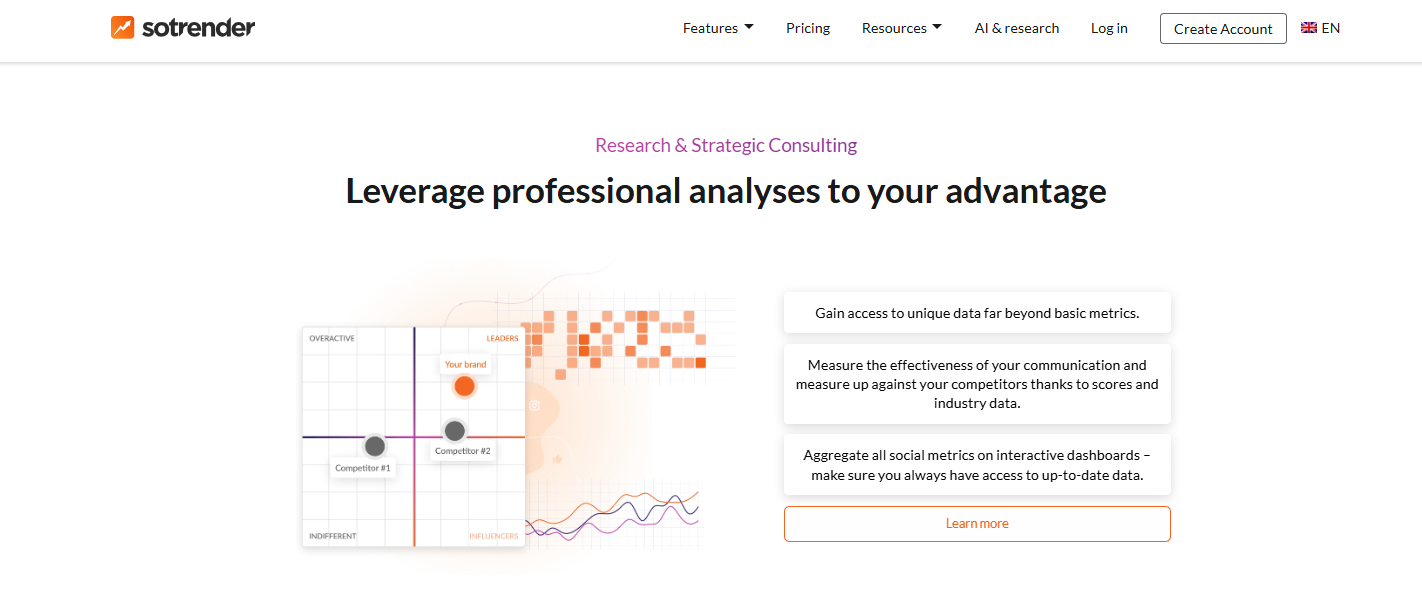
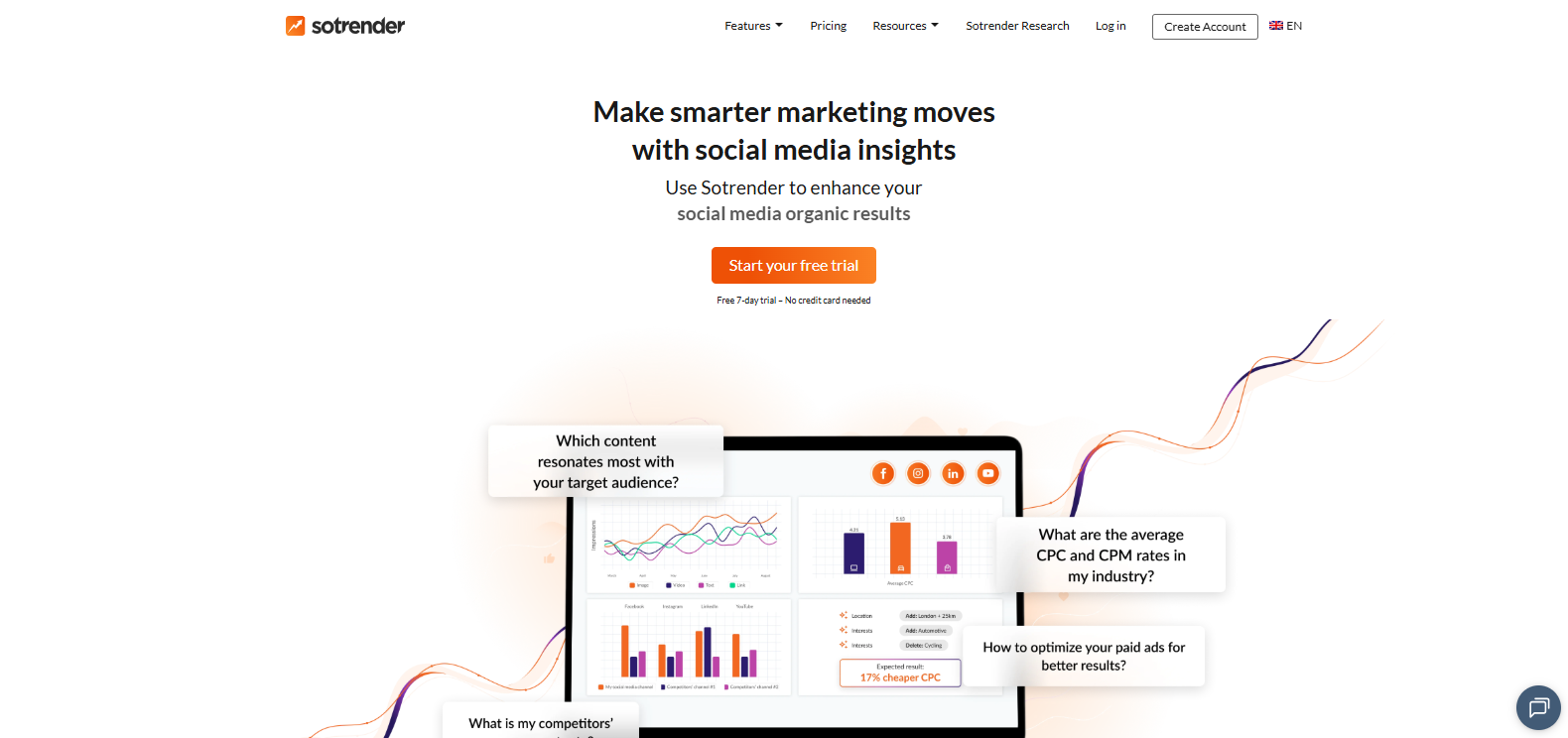
In essence, third-party Facebook analytics tools reveal advanced patterns that native Facebook analytics tools might miss. These tools enable social media managers to track key metrics, conduct competitive analysis, and leverage influencer tracking and hashtag analytics across other social media platforms.
By integrating with Meta Business tools and Google Analytics, these Facebook analytics software solutions offer comprehensive data analysis and advanced reporting, making them the right choice for brands aiming to enhance their Facebook Business Page performance and overall social media strategy.
Essential Features and Capabilities of a Good Analytic Tool
What defines a good analytic tool is the core metrics it measures, advanced analytic features that streamline your campaign optimization, and integrations with different marketing platforms.
Core Metrics and Reporting
It’s okay for your analytic tool to monitor reach and impressions, but it must go beyond that to cover the metrics that directly affect your ad spend and campaign results. This includes:
- Cost per click and Cost per result
- Click-through rate
- Budget spend rate and Return on ad spend (ROAS)
- Conversion count and Conversion value
- Frequency
- Ad relevance signals
- Engagement activity
- Audience actions such as clicks, saves, shares, and page visits
Sotrender goes a step further by compiling competitor benchmarking metrics, such as average engagement rates and industry counts, to give you a competitive edge.
Each metric should be broken down to the granular level with correlative visual reporting. This helps you see how one metric influences another, how performance shifts across segments, and where patterns repeat themselves.
In addition to these core metrics, a robust social media analytics tool should integrate seamlessly with Facebook page insights and other free tools to provide a comprehensive overview. Choosing the right Facebook analytics software ensures you get actionable insights tailored to your Facebook Business Page performance, helping you optimize your social media strategy effectively.
Advanced Analytics Features
A strong analytic platform should offer deeper capabilities that help you understand performance beyond the surface. These features include:
- User journey tracking that shows how people move from seeing your content to taking action
- Attribution modeling that explains which ads or touchpoints contributed to a conversion
- Content performance comparison that lets you stack posts, formats, and campaigns side by side
- Audience behaviour mapping that reveals how engagement changes across time, content types, and devices
- Drop off analysis that shows where users lose interest during a campaign or funnel
- Ad fatigue detection that flags when your audience has seen your ads too often
- Budget efficiency analysis that highlights wasted spend and underperforming ad sets
- Predictive trend reporting that forecasts performance movements based on historical data
- Automated optimization suggestions
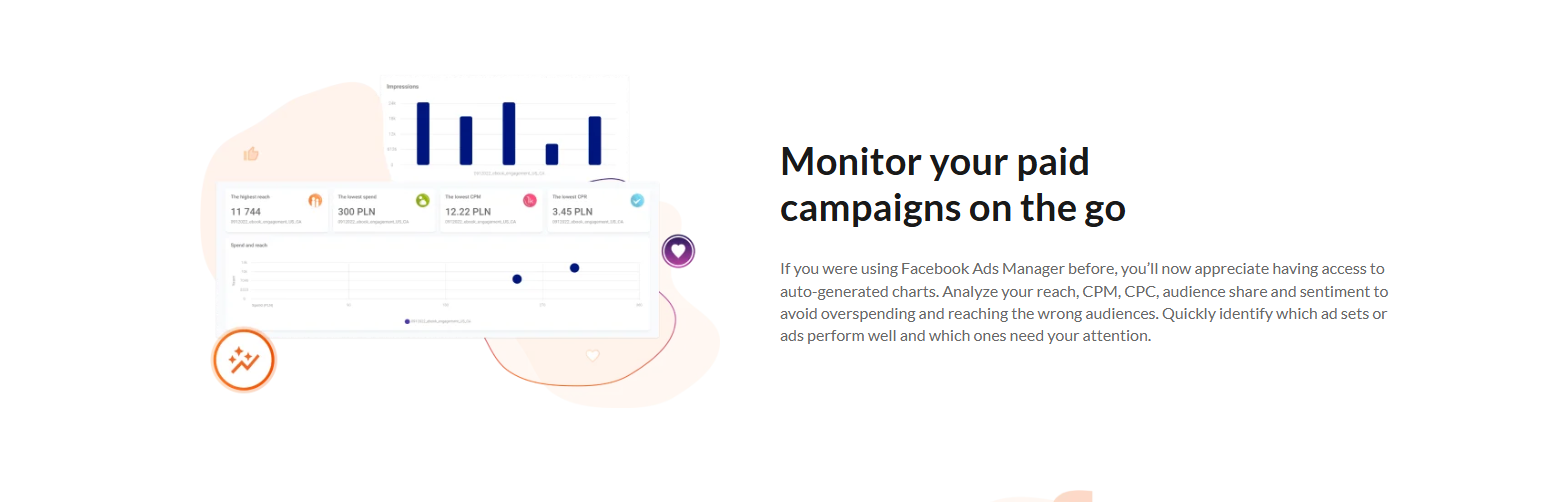
Leading platforms like Sotrender even help you monitor competitors’ metrics, access their ad performance stats such as CPC, CPM, impressions, or clicks, and find out the average monthly ad spend in your niche and which campaigns are the most popular.
Integration and Automation
Anna Zhang, Head of Marketing at U7BUY, says, “Facebook analytics tools are only at their best when they can integrate with the other platforms you already use. Your go-to option must be able to connect directly with your CRM, email service provider, ad manager, ecommerce platform, and reporting suite. This gives you a unified data flow instead of scattered numbers across multiple dashboards.”
It should also support automated reports, scheduled performance summaries, and real-time syncing of your campaign data. That way, you don’t have to export spreadsheets manually or rebuild the same report every week.
How to choose the right Facebook Analytics Tool
The truth is, most Facebook analytics tools will tick your list of essential features, and you’ll likely still end up with several dozen. That’s a lot of headaches. So, here’s what you can do to choose the right tech instead:
Step 1: Assess your specific analytics needs and budget
Jeffrey Zhou, CEO and Founder of Fig Loans, says, “You should start by outlining what you truly need. Do you want deeper ad reporting, stronger audience insight, or advanced attribution? Your preferred tool must meet these needs. At the same time, review the pricing and compare it to your budget so you don’t break the bank. This also helps you estimate how your analytics investment aligns with the billing structure you use when you invoice freelance clients or internal teams.
Step 2: Evaluate free trials and core feature sets
Most top tools offer trial periods. Use that window to check their core metrics, dashboard quality, data accuracy, and report readability. If the tool complicates simple tasks, check out other alternatives. Take the opportunity to check out Sotrender’s advanced analytics with a free trial here.
Step 3: Test integration capabilities with existing tools
Shan Abbasi, Director of Business Development at PayCompass, advises, “connecting the analytic platform to your CRM, email software, ad manager, or store to see how well data syncs. Smooth integration saves time and removes the stress of manual work. If it lags or performs poorly on integration, cross it out.”
Step 4: Compare reporting and dashboard customization options
Look for options that let you rearrange widgets, highlight the metrics that matter most to your goals, and create recurring summaries without doing extra work each week. Some already come with a library of editable, flexible, and adequately represented templates. That’s a plus.
Top 10 Facebook Analytics Tools to use in 2026
We’ve discussed a few critical criteria when choosing the right analytic tool for your Facebook campaigns. Let’s see how these top 10 Facebook analytics tools stack up against each factor.
Sotrender
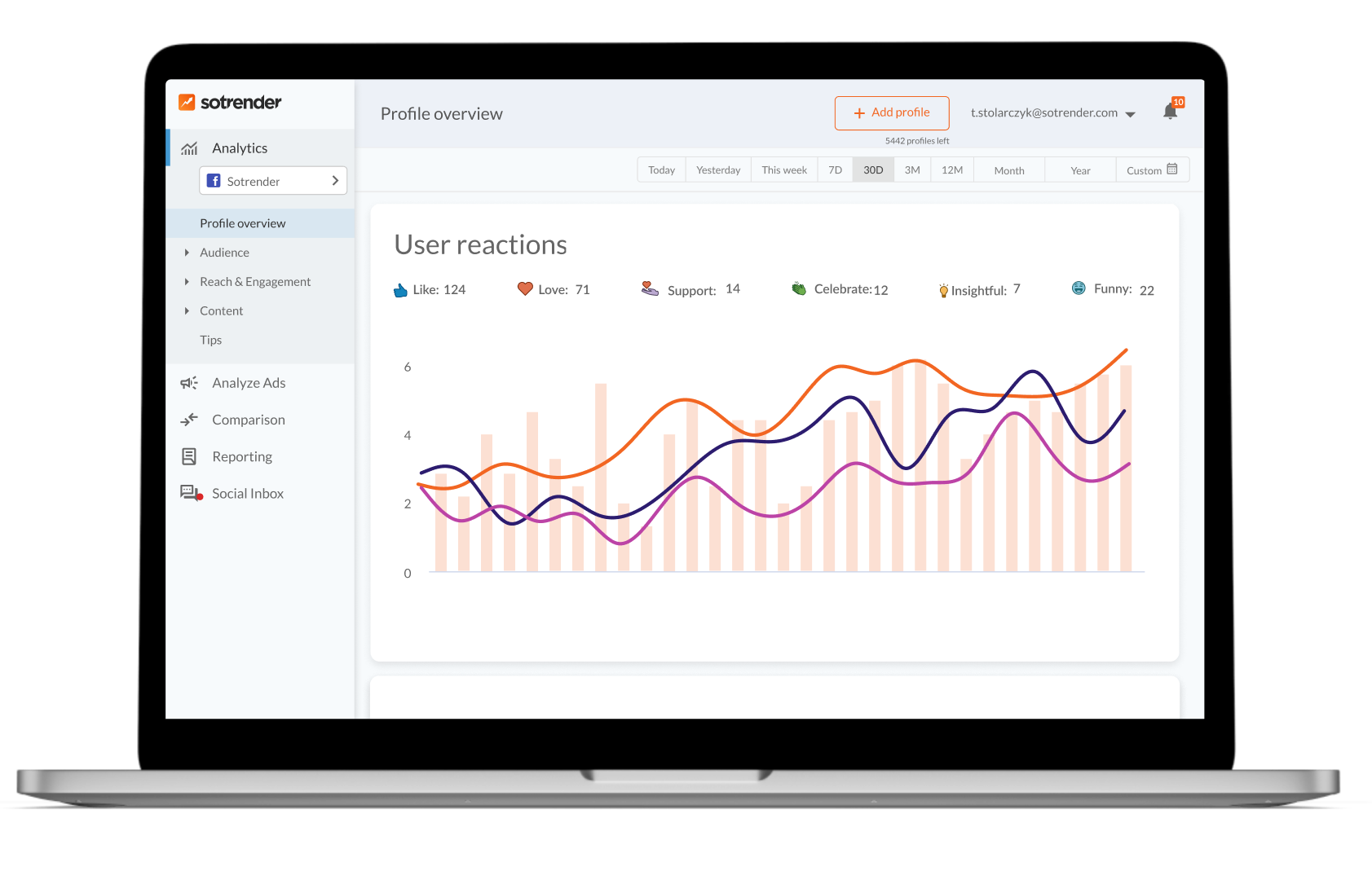
Sotrender is one of the few dedicated platforms that gives you the level of structure you’d expect from a serious Facebook analytics tool. The dashboard feels clean, and once you open the analytics panel, you see your follower activity, audience behaviour, reach movement, and content performance laid out in a way that makes sense.
Nothing feels buried, which makes it easier to understand what’s happening with your campaigns without having to dig through menus.
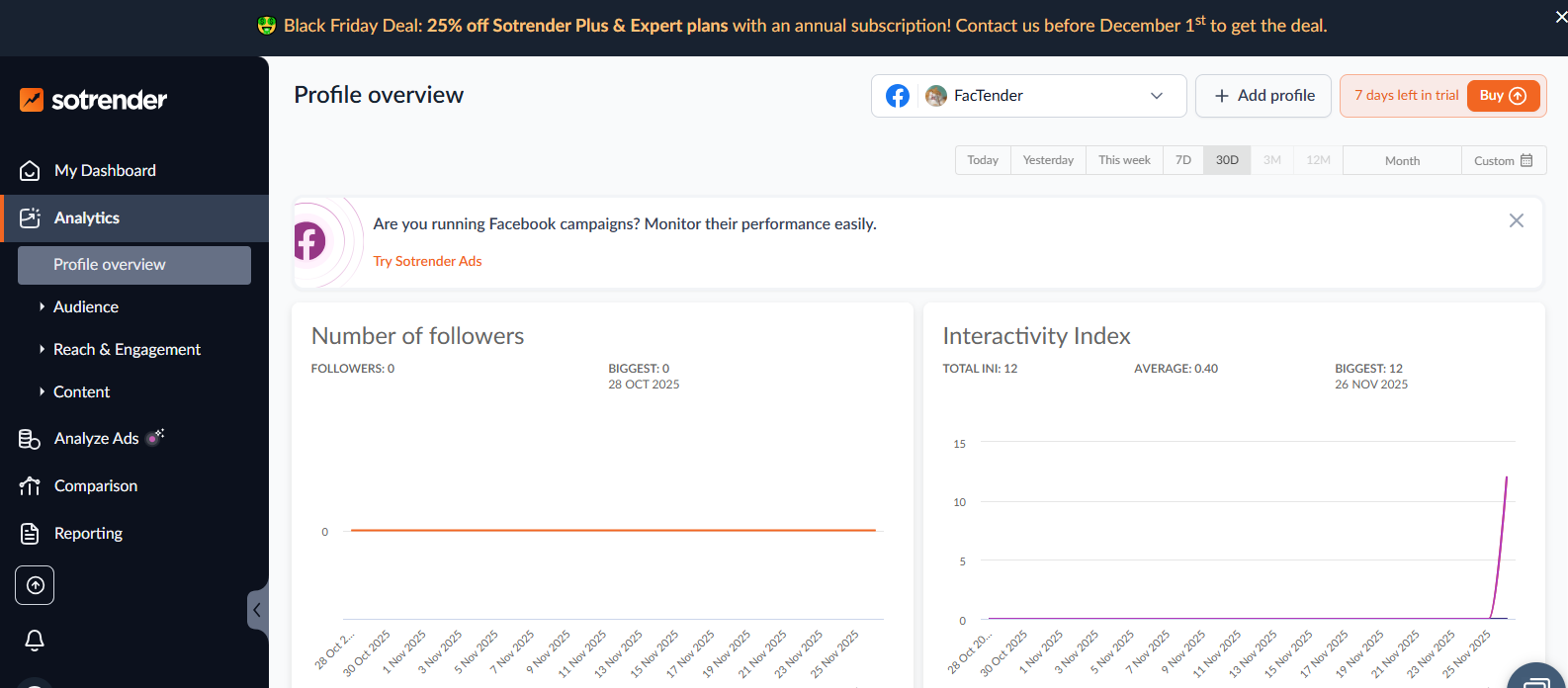
The way Sotrender tracks and presents ad data is one of its biggest strengths. Your CPC movement, CTR changes, budget usage, conversion behaviour, and ad fatigue are all laid out in a clear, presentation-ready format.
In addition, this high-drive analytic tool’s reporting feature has a filter option that helps you eliminate fluff from your reports and ensure clear export summaries. You can easily tag the posts of concern in your campaigns so as to zoom in on their performance and share insights worth noting with the content team.
Another powerful feature is Sotrender’s AI-driven Ads Optimization tool, which offers practical suggestions to help you improve your Meta ads without increasing your spend. You just leave it on auto-run to discover ad fills, from your targeting to placements, consuming ad budget, and let it auto-optimize campaigns for better performance at a cheaper cost.
Unlike many basic analytic tools, Sotrender handles cross-channel analytics well. You can track your Facebook, Instagram, TikTok, or LinkedIn activity from the same space and use insight from one to optimize the other instead of managing multiple tools.
At the same time, this centralized platform shows how your content stacks up across social channels and how your audience responds in each place. You also get insight into influencer activity and community growth.
Key Features at a glance
- Clean dashboard with direct access to analytics, ads, content, audience data, and reporting
- Interactivity Index that highlights genuine engagement and filters out hollow activity
- Detailed ad performance tracking covering CPC, CTR movement, frequency, cost changes, and conversion behaviour
- Competitor benchmarking with interactive dashboards and comparison reports
- Automated reporting in PDF, PPTX, or XLS formats for fast weekly or monthly summaries
- Content performance analysis showing which posts trigger meaningful reactions
- Audience segmentation that reveals age ranges, locations, activity windows, and browsing patterns
- Scheduled reports and data exports
- Communication strategy insights and influencer analysis for deeper research
- Historical data access capable of expanding with your plan tier
- AI powered Meta Ads Optimization for improving Meta ad results without increasing your spend
- Broad support channels, including chat, email, phone contact, and onboarding guidance
- Profile swap options for account managers handling multiple client pages
- Integration with Facebook, Instagram, Twitter, and YouTube
Pricing
- Free trial for 7 days, no credit card required
- Essential plan: US $72/month (billed annually) for 5 profiles, 3 users or $80 per month (billed monthly)
- Plus plan: US $176/month (billed annually) for up to 15 profiles, unlimited users, or $200 per month (billed monthly)
- Expert plan: US $315/month (billed annually) for up to 30 profiles, unlimited users, or $355 per month (billed monthly)
- Custom plan: Flexible and personalized contract. Price depends on your needs
Verdict
Sotrender is the perfect tool for both SMEs and enterprises or Facebook marketers looking to change the industry rules and gain a competitive marketing edge with advanced analytics.
If you’re managing ads for small-sized teams, you can go for the Essential or Plus plans, which both cover the core analytics required for routine optimisation and keep reporting simple. If your work involves multiple profiles, higher budgets, or deeper analysis, the Expert tier is the better fit, as it unlocks broader historical data and more advanced tracking options.
The choice depends on how much data you handle and the depth of insight your workflow demands.
Meta Business Suite
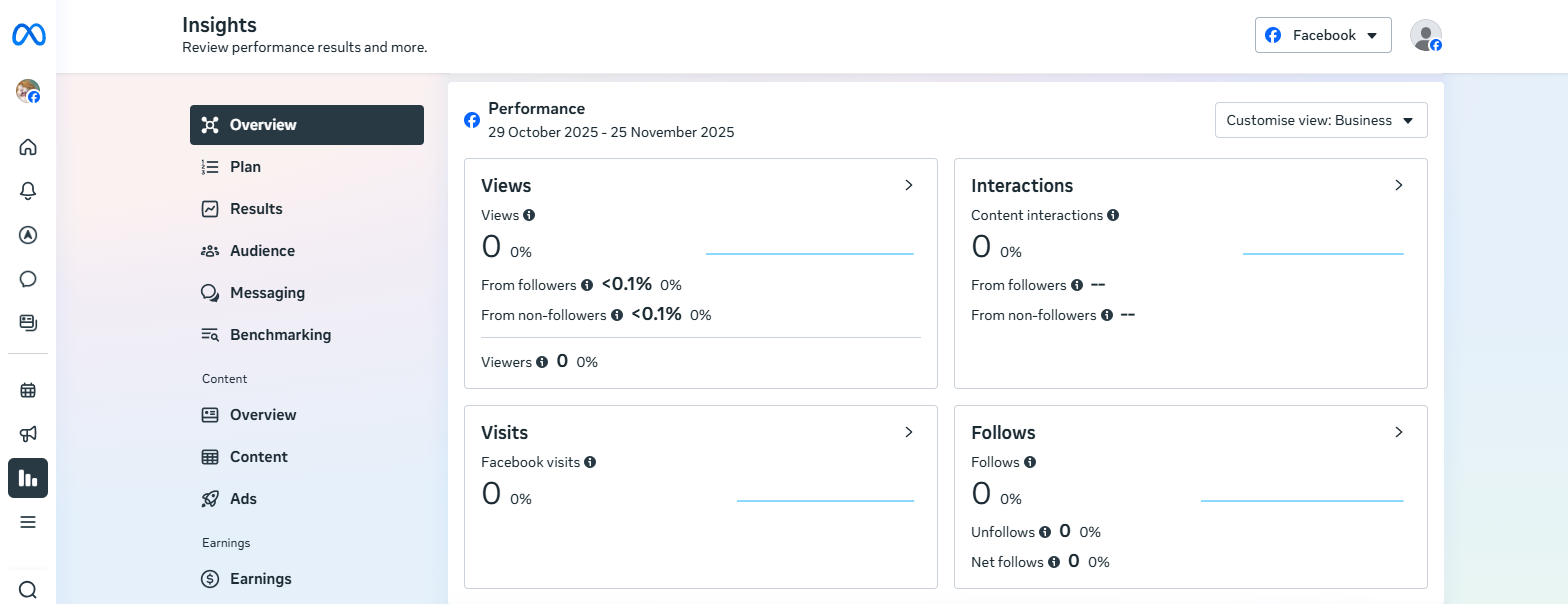
Meta Business Suite is your default environment for managing Facebook and Instagram profiles, and it is designed to give you a straightforward overview of your page performance. You can check your reach, engagement, movement, audience growth, and basic ad outcomes without switching platforms.
The layout is simple enough for quick reviews, and its native integration with Meta’s ecosystem keeps all your assets, messages, and campaigns in a single workspace. However, its reporting depth is limited, especially when you need long-term data, granular breakdowns, or competitive insight.
Key Features at a glance
- Reach and engagement summaries for organic and boosted content
- Ad performance overview tied directly to Meta Ads Manager
- Audience activity insights showing peak hours and follower movement
- Unified inbox for managing comments, messages, and customer interactions
- Basic cross-platform reporting for Facebook and Instagram from one dashboard
Pricing
- Meta Business Suite is completely free to use
Verdict
Meta Business Suite is a practical starting point for small teams or marketing brands that only need simple reporting and quick platform management. It works well for monitoring daily performance, but its limited analytics depth makes it difficult to run detailed reviews or to optimise over the long term.
If you want clearer insights, stronger reporting, or broader analysis, you should go for a dedicated analytics tool like Sotrender.
Sprout Social
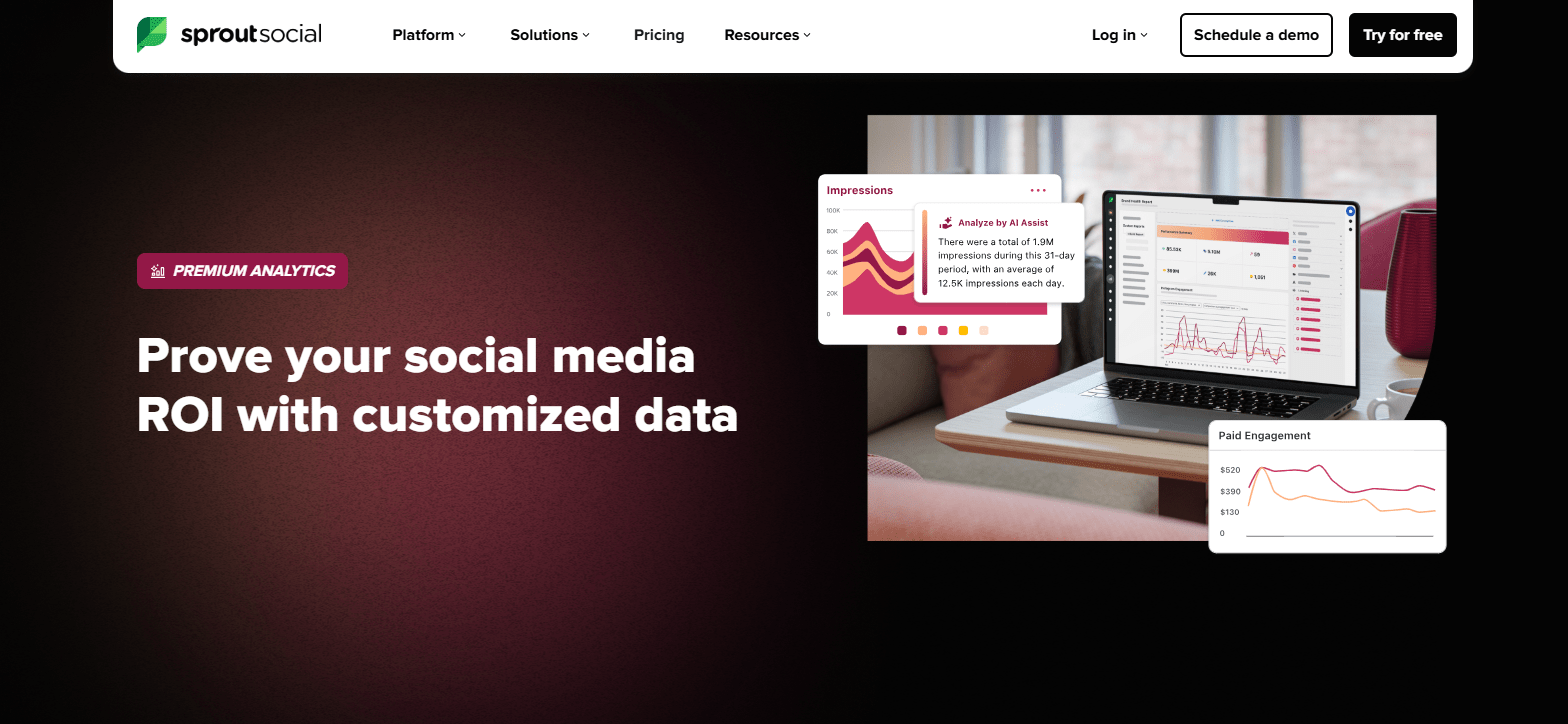
Sprout Social is more of a social media management platform but it also boasts a premium analytics feature for insight extraction and presentation. You can choose the exact metrics you want to track, arrange them in a report format that suits your workflow, and save the setup for future use.
The analytic page includes filtering tools for tags, content types, and message categories, so you can drill into the parts of your Facebook page performance that matter most. It also comes with interactive charts that let you adjust how your data is displayed whenever you need a clearer angle.
Sprout has an AI-assisted insight feature that surfaces the key takeaways from your widgets, and this is useful when you manage a large volume of posts and need quick clarity. This dedicated Facebook analytics tool helps social media managers monitor key metrics and extract actionable insights to optimize Facebook marketing campaigns effectively. It supports cross-channel reporting, making it easier to analyze Facebook ad performance alongside other social media accounts for a comprehensive view of your marketing data.
Key Features at a glance
- Report builder for creating analytics layouts tailored to your needs
- AI-assisted insights that highlight the most important performance signals
- Interactive charts and graphs with adjustable visual displays
- Selectable metrics so you can choose what to track and save your preferences
- Advanced filtering for tags and content types
- Custom comparison options across unique timeframes
- Cross-channel reporting for teams managing multiple platforms
- Integration with social media platforms, cloud management tools like Google drive, Zendesk, and many more
Pricing
- Free 30-day trial for testing the tool before committing
- Basic analytics is available on the general pricing: $199 per month per seat for the standard plan, $299 for the professional plan, $399 for the advanced plan, and a custom plan
- Premium analytics is only available as an add-on to any of the plans above. Pricing is only disclosed after reaching out for a demo
- Pricing increases as more users are added
Verdict
Due to the high per-seat cost, Sprout Social is better suited to larger teams with the capital. Another drawback is that its deeper analytics still do not reach the level of dedicated analytics platforms. But it remains a strong option if your priority is an all-in-one workspace with clean reporting and a high level of control.
SocialPilot
SocialPilot is built as a scheduling and management tool, but its analytic system is more capable than it looks at first glance. The Facebook analytics page gives you performance trends for reach, engagement, impressions, audience growth, and content effectiveness in a single view.
You can see how individual posts perform, which content types gain the most traction, peak hours of audience activity, detailed engagement patterns, and posting behavior. These metrics help you know when your community is most responsive so you can schedule your campaigns to meet them head-on.
Key Features at a glance
- Analytics dashboard with reach, engagement, impressions, audience behavior, and growth patterns
- Content performance insights showing top posts, weakest posts, and engagement trends
- Best time to post suggestions based on audience activity
- White label reports for agencies that need branded summaries for clients
- Team collaboration and approval flow for managing content and analytics together
- Cross-platform analytics for comparing performance across Facebook, Instagram, LinkedIn, and other networks
- Social inbox for reviewing messages and comments across accounts
Pricing
- A free 30-day trial is available
- The Essentials plan starts at $25 per month when billed yearly
- Standard plan begins at $42 per month when billed yearly
- Premium plan at $85 and Ultimate at $170 per month when billed yearly
Verdict
SocialPilot is a good fit if you want scheduling, content planning, inbox management, and analytics in the same environment. It covers Facebook analytics well enough for everyday reporting and client updates, and the clean presentation makes data easy to review.
However, the drawback is that it does not offer very deep insight for advanced campaigns, so if you need stronger data analysis, you may still lean toward a specialised analytic tool.
Buffer
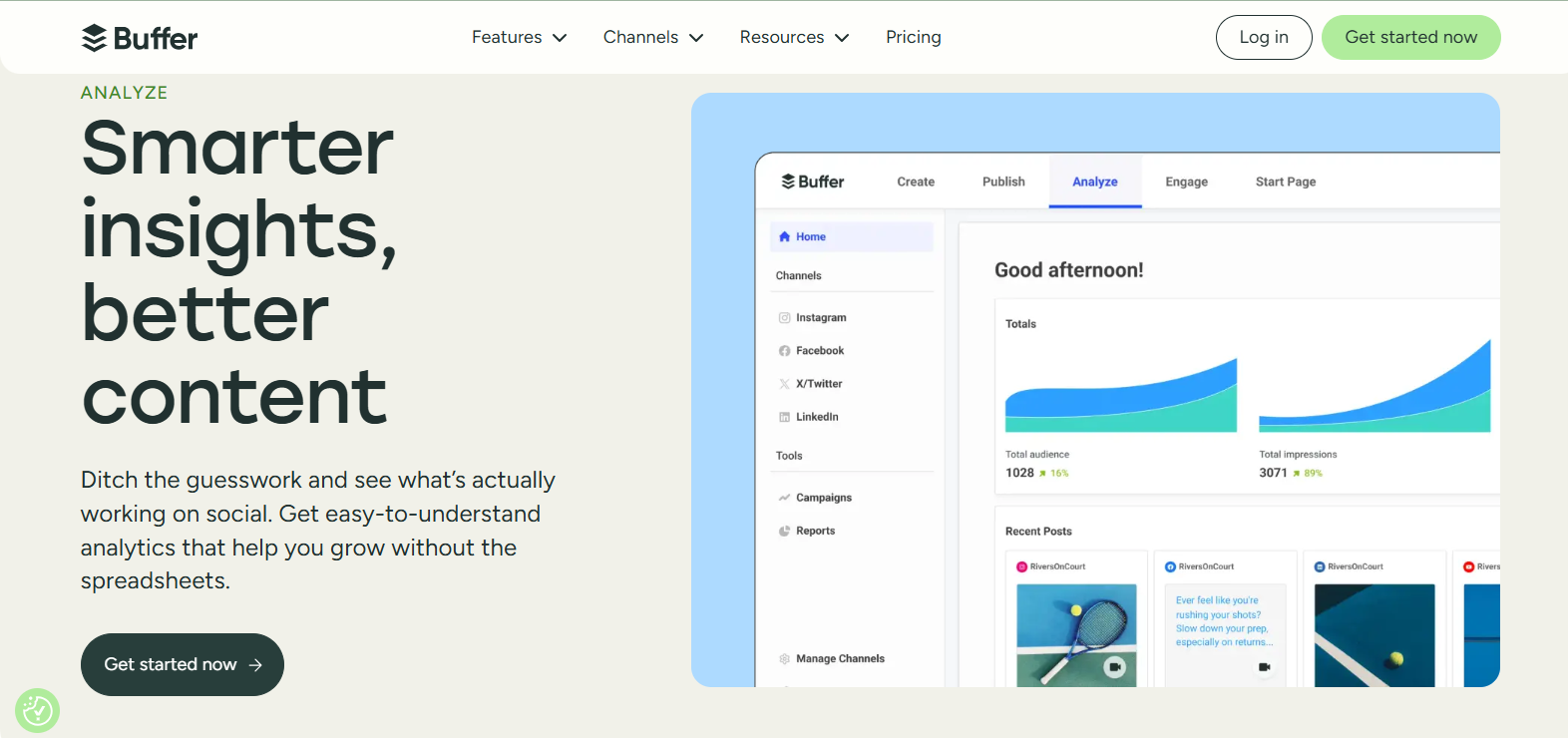
Buffer focuses on giving you the basic Facebook performance data like reach, clicks, impressions, and engagement activity in one place, and you can break those results down by individual posts to understand what actually worked. The tool also shows how your content performs over time and provides simple recommendations for when to publish, based on your past audience activity.
Key Features at a glance
- Overview dashboard showing reach, impressions, clicks, reactions, and comments
- Individual post analysis for checking what content performs best
- Paid and organic comparison to see whether boosts improve results
- Posting time suggestions based on your audience response history
- Simple export options for clean, quick reports
- Cross-platform analytics for reviewing performance across multiple channels
Pricing
- Free plan with basic analytic features
- 14-day free trial available for premium plans
- The Essentials plan starts at $5 each month for one channel, billed yearly
- Team plan begins at $10 each month for one channel, billed yearly
Verdict
Buffer Analytics is useful if you want a simple way to track your Facebook content performance without complex data layers. It gives enough information for content planning and basic reporting. But it is not suitable for detailed campaign analytics or ad tracking.
Hootsuite
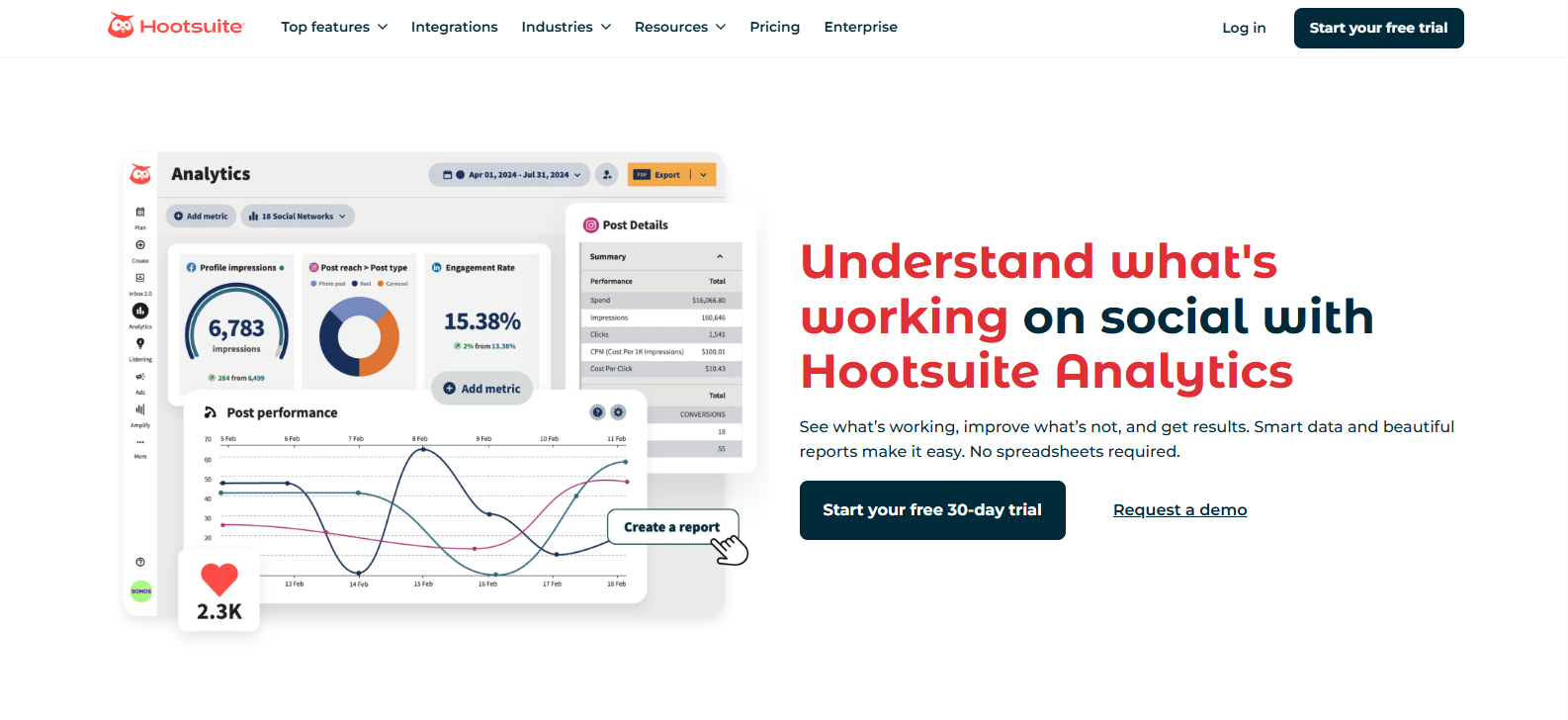
Hootsuite is more of a comprehensive social media management tool but it has an Analytic section which helps you drill into hundreds of Facebook metrics, build reports from pre-designed templates, and compare organic, paid, and earned activity side by side. It also includes competitive benchmarking reports, best-time-to-post insights, AI recommendations to improve your campaigns, and a performance score that shows how well your content strategy is performing throughout the week.
Key Features at a glance
- Facebook analytics dashboard with reach, impressions, clicks, engagement, and audience growth
- Post-level insights with hundreds of detailed metrics
- Pre-built templates for quick report creation
- Tracking up to 20 competitors simultaneously
- Best time to post insights based on your audience activity
- AI-powered highlights and recommendations
Pricing
- Free 30-day trial
- Standard plan starts at $99 per user each month, billed annually, or $149 billed monthly
- Advanced plan starts at $249 each month, billed annually, or $399 billed monthly
- Enterprise plan available for deeper analytics and larger teams
Verdict
Hootsuite Analytics is ideal if you want far more metrics than native tools and faster reporting. The only drawback is the cost, and the platform can feel heavy due to so many other non-analytic features.
Still, Hootsuite remains one of the stronger options for Facebook analytics.
Keyhole
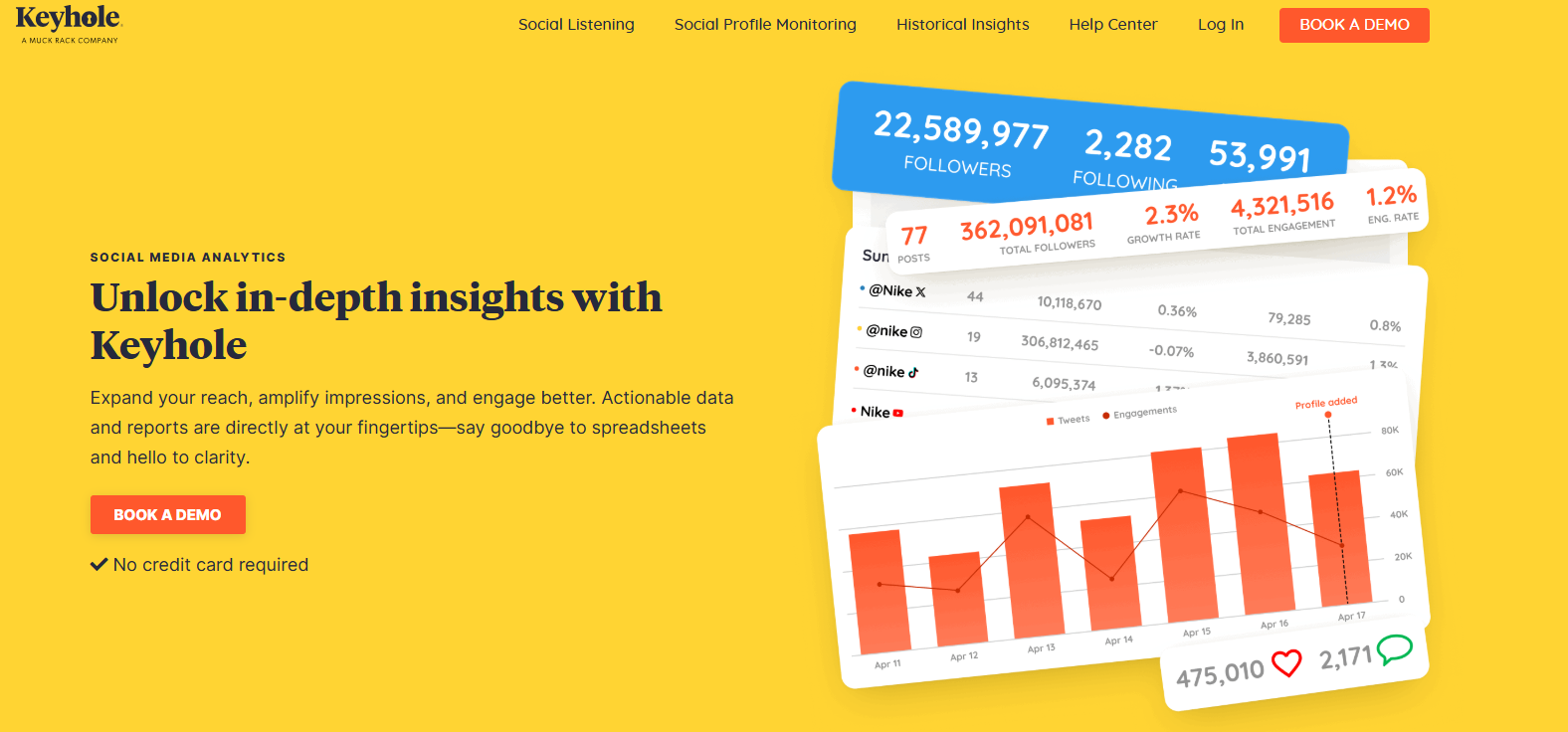
Keyhole is a social listening and monitoring tool, recently acquired by Muck Rack, with a built-in analytics feature for brands that want real-time insights into their Facebook activity. The dashboard shows your reach, engagement, audience activity, and post-level results in a straightforward layout. You can also review competitor pages and pull historical data to gain deeper context for long-term trends.
Key Features at a glance
- Post-level breakdowns showing top posts, weak posts, and interaction patterns
- Historical data access for long-term tracking and performance review
- Competitor analysis to compare posting frequency, engagement rate, and page growth
- Exportable reports for fast performance summaries
Pricing
- Free trial available
- Pricing starts with custom plans based on feature needs
Verdict
Keyhole works well for teams in need of simple analysis. The only drawback is that its best features sit in higher plans, and it’s not suitable for advanced Facebook analytics.
Rival IQ
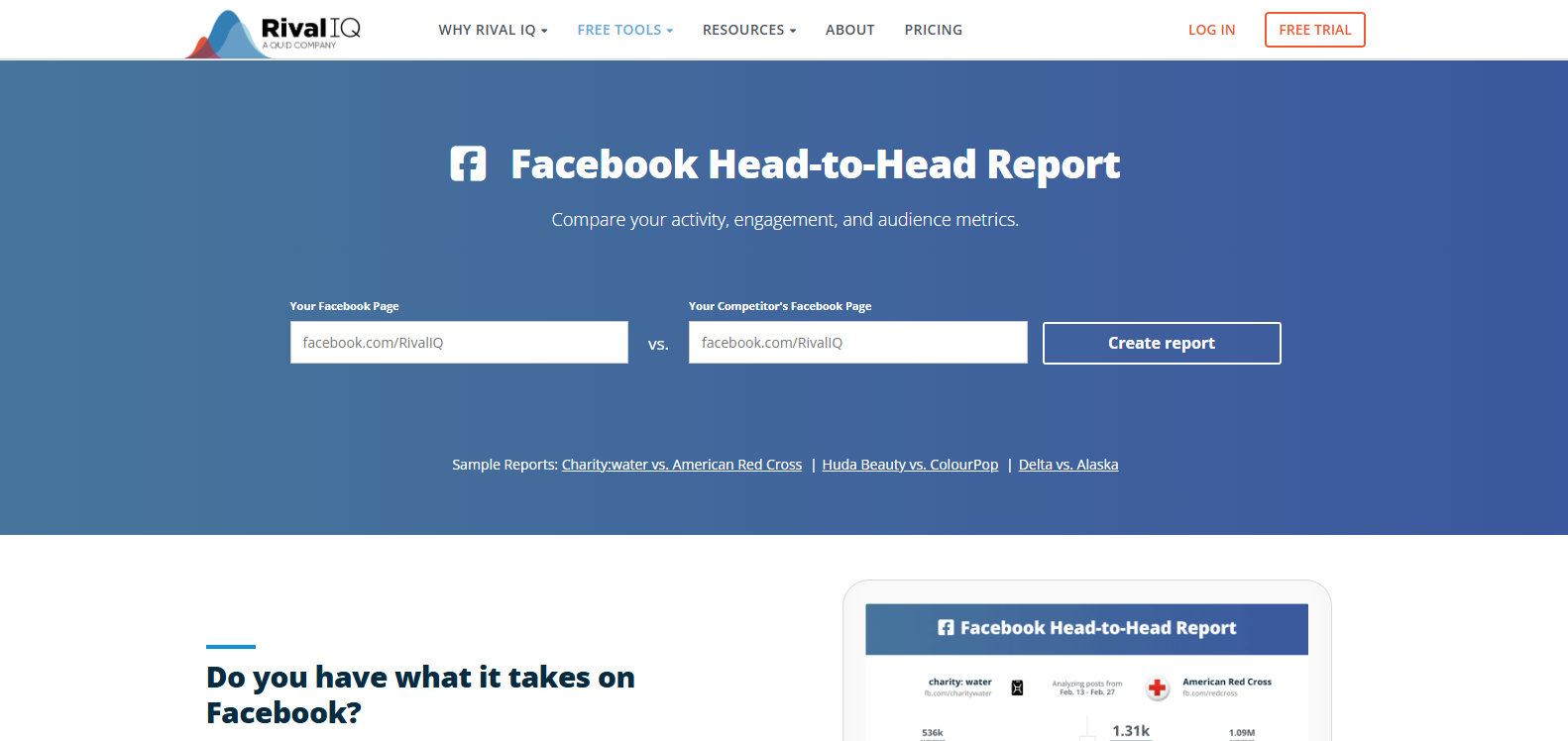
Rival IQ is a full-scale social analytics platform that gives you detailed, competitive-grade insight into your Facebook presence. It lets you compare your page with others in your industry, track every change in engagement, spot boosted posts across competitor pages, and access complete historical data for long-term analysis. The platform also provides audits, automated alerts, sentiment signals, and content-level breakdowns that show how your posts perform over time, by topic, and across formats. It excels in hashtag tracking and offers comprehensive data analysis that helps optimize Facebook performance and improve post engagement.
Key Features at a glance
- Competitive benchmarking with side-by-side comparisons across multiple competitor pages
- Boosted post detection, revealing paid activity on competitor content
- Full Facebook audit tools with engagement rate trends, posting frequency analysis, and page growth patterns
- Content and hashtag performance analysis for discovering topics that consistently perform well
- Alert system responsible for flagging unusual drops or spikes in your page or competitor pages
- Custom report builder with flexible export options and long-term historical data access
Pricing
- Free 14-day trial available
- Free Head-to-head Facebook competitor campaign analysis
- Drive plan starts at $199 each month, billed yearly, or $239 billed monthly
- Engage plan starts at $299 per month, billed yearly, or $349 billed monthly
- Engage Pro plan starts at $469 per month, billed yearly, or $559 billed monthly
Verdict
Rival IQ is best suited for teams that want to compare competitors on Facebook. Its drawback is the cost, which also covers non-analytic features. So, you’re paying for more than you need.
Brand24
Brand24 is primarily a social listening tool, but it helps Facebook marketers track campaign reach, hashtag activity, and brand mentions beyond their posts. It gives you visibility into how often your campaigns are discussed, how widely they spread, and the sentiment behind those conversations. Its AI-enabled insights also summarise spikes in activity and highlight patterns that can guide content and targeting decisions.
Key Features at a glance
- Real-time Facebook mention tracking with reach estimates
- Hashtag performance tracking for campaign reviews
- Awareness metrics showing how widely your message spreads
- Sentiment filters for understanding audience reaction
- Historical data for long-term campaign visibility
- Custom reports for marketing summaries
Pricing
- Free 14-day trial available
- Individual plan starts at 149 dollars each month, billed yearly, or $199 billed monthly
- Team plan starts at 249 dollars each month, billed yearly, or $299 billed monthly
- Pro plan starts at 299 dollars each month, billed yearly, or $399 billed monthly
- Business plan starts at 499 dollars each month, billed yearly, or $599 billed monthly
- Enterprise plan starts from 999 dollars each month, billed yearly
Verdict
Brand24 is useful for medium-sized businesses, enterprises, and Facebook marketers who want to add the awareness and conversation data most dashboards skip. However, it is costly for smaller teams, and it’s not a full performance analytics platform. You will need something much cheaper but advanced, like Sotrender, for deeper analytics instead.
Oktopost
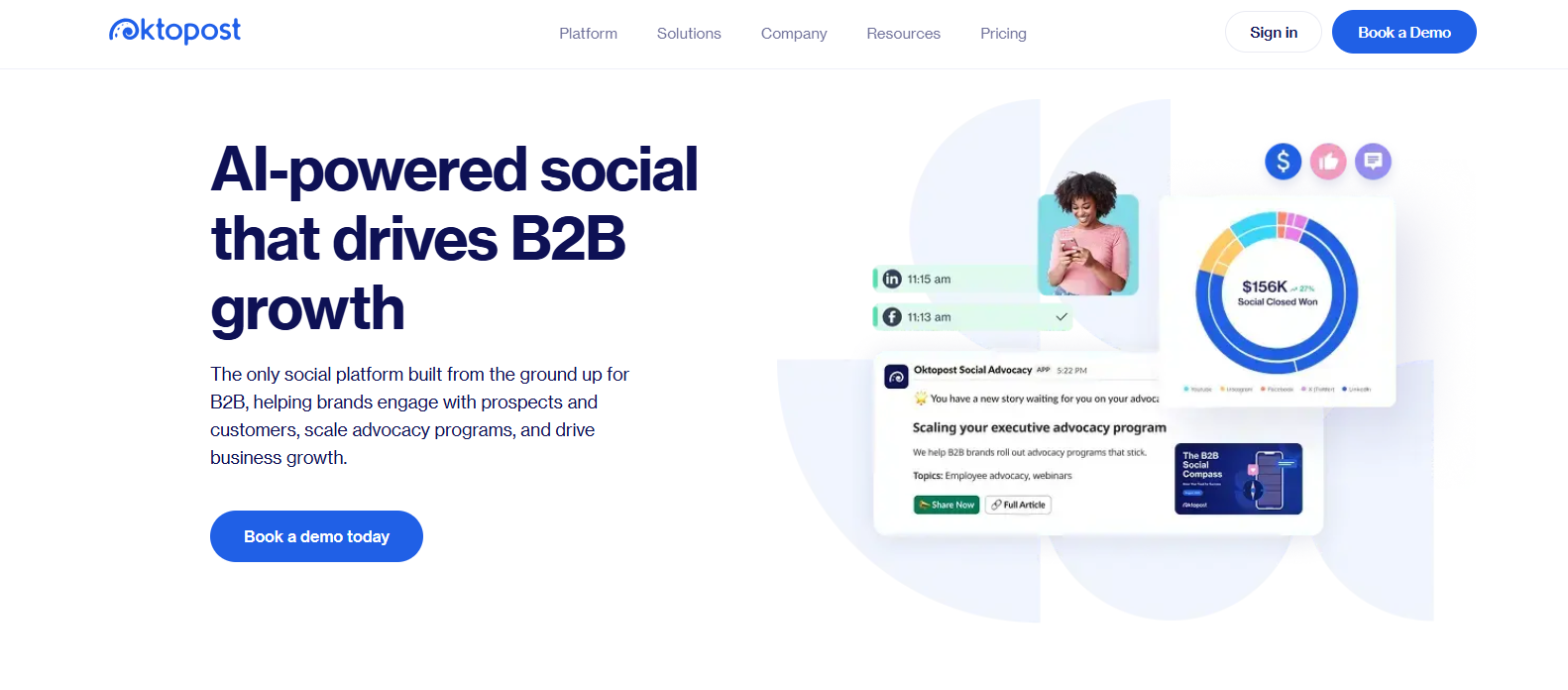
Oktopost is a leading B2B social management platform equipped with core Facebook analytics. Its analytics system shows how Facebook posts, campaigns, and topics resonate with your audience, and ties engagement to leads and opportunities through its revenue attribution feature. For those interested in analyzing Instagram post performance, there are additional tools and guides available. You can compare organic results with paid campaigns, review how your team handles brand conversations, and build custom dashboards for deeper analysis.
Key Features at a glance
- Facebook performance dashboard with engagement, clicks, impressions, and content trend metrics
- Revenue attribution showing how Facebook interactions contribute to leads and sales
- Content analysis for posts, topics, campaigns, and audience response patterns
- Comparison of organic and paid Facebook performance
- Audience analytics covering follower growth, demographics, and sentiment
- Report builder with custom dashboards and multiple visualization styles
- Exportable reports in PDF, PPT, and XLS formats
- AI insights for contextual analysis of post-performance
Pricing
- Free demo available
- Pricing is custom and available on request based on features, team size, and analytic depth
Verdict
Oktopost is a strong choice for B2B Facebook marketers who want analytics connected to real business outcomes rather than basic engagement tracking. The only limitation is that pricing is fully custom and primarily for B2B teams.
Common Challenges and Solutions
Facebook marketers and marketers often struggle with too much data, tight budgets, or difficulty linking their marketing efforts to real revenue when using Facebook analytics. Let’s discuss how to fix these issues.
- Data Overload and Analysis Paralysis
Emily Ruby, Owner at Abogada De Lesiones, says, “Facebook analytics give you so much data and tons of metrics, each highlighting your campaign activities. Tracking all these metrics, however, distracts you from the data that truly matters, and you end up optimizing for the minor.”
To fix this, focus on just a few essential numbers, especially those tied to your revenue and conversions. For instance, suppose your campaign’s goal is to generate leads who need regional debt relief in areas like California.
In that case, the metrics worth watching include cost per lead, conversion rate, return on ad spend, and budget spend rate. They tell you if your money is working and if your target audience, that is, those in need of California debt relief, is responding.
- Limited Budget for Premium Analytics Tools
No worries if you’re on a tight marketing budget. You can still kickstart your Facebook analytics journey with the basics in the Meta Business Suite.
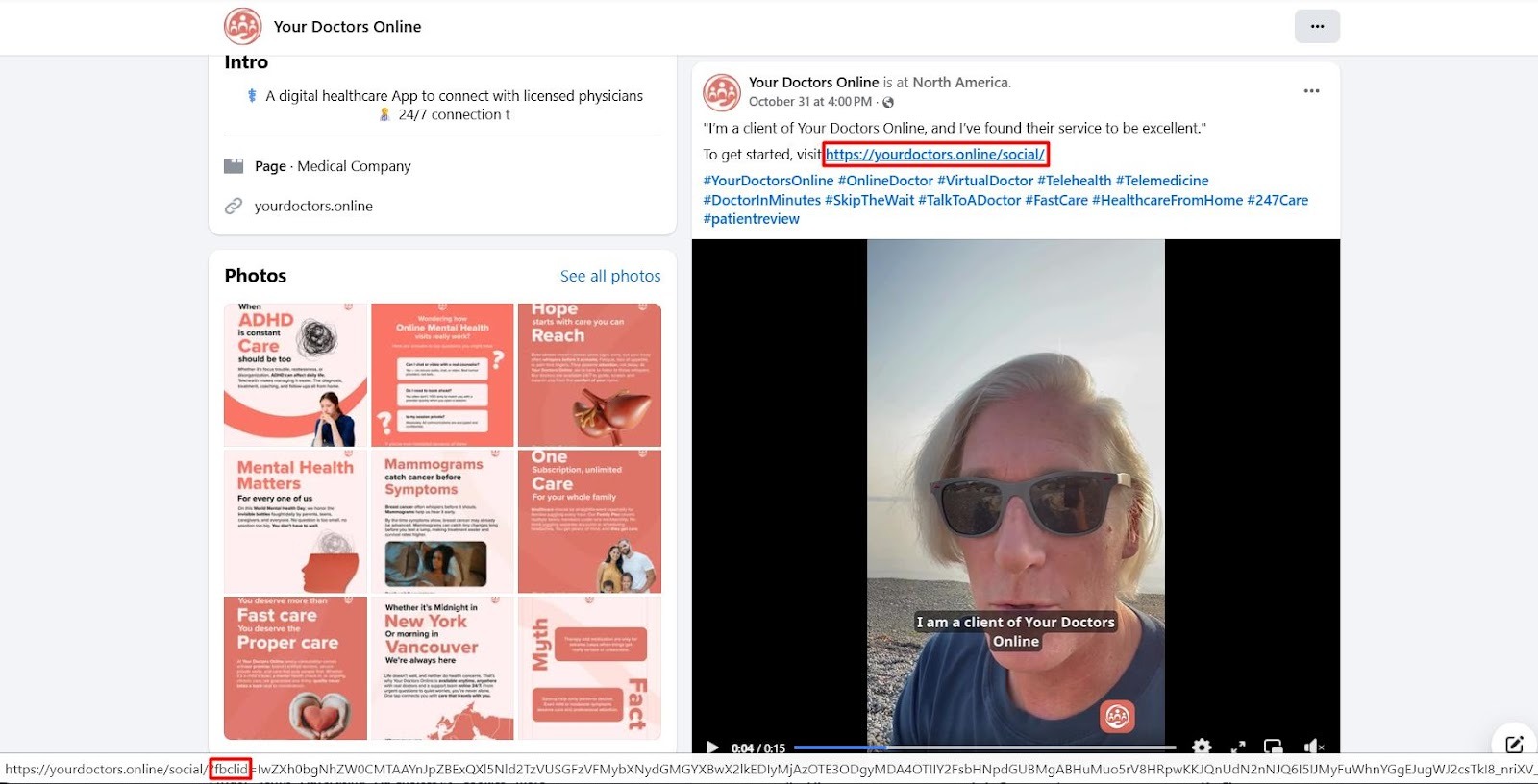
For example, Online Doctor, which is a telehealth care platform for online health consultations, uses the built-in meta-analysis feature called FBclid, aka Facebook Click ID. This ID allows Meta Business Suite to track link clicks on their image posts, videos, or UGC reels, as shown in the patient testimonial below, and report them in the analysis section.
Of course, this may not be enough for your brand in the long run, but it’s a good (and free!) solution for a start.
Facebook’s Meta suite and analytics help you measure standard metrics such as reach, impressions, and total engagements. Once you’ve scaled your business and gathered enough capital, gradually switch to a paid but affordable option like Sotrender.
- Difficulty Proving ROI from Facebook Marketing
Proving ROI becomes difficult when your analytics stop at clicks and engagement. While these numbers are great and show much of your campaign activity, they barely reflect factors affecting your revenue or how your investments translate into returns.
The solution is to set up conversion tracking and measure metrics that tie directly to revenue. These include cost per acquisition, return on ad spend, conversion value, and the exact number of completed actions, such as booked calls, submitted forms, or purchases. These numbers also make it easier to justify marketing costs during monthly reporting or when you generate invoices for performance-based campaigns.
With these metrics, you can easily figure out which campaigns pay for themselves and which ones drain your budget.
Wrapping up
Insights are non-negotiable to building successful Facebook campaigns. You need it to optimize your ads for better performance. Likewise, Facebook analytics tools are indispensable for gaining detailed insights, and choosing the right one can significantly change your marketing game.
To choose the right tool, consider platforms that present your performance in a way you can understand quickly and act on without digging through clutter. Test a few options, check how well they integrate with the tools you already use, confirm tracking for core metrics, and choose the one that gives you the most control over your reporting.
Once you have an analytic tool, review your current goals, set up conversion tracking, and build a dashboard that highlights the metrics tied to your revenue. Once those pieces are in place, every new campaign becomes easier to evaluate and adjust.
If you want a tool with cleaner reports and deeper analytic insight, Sotrender is a solid place to start.







