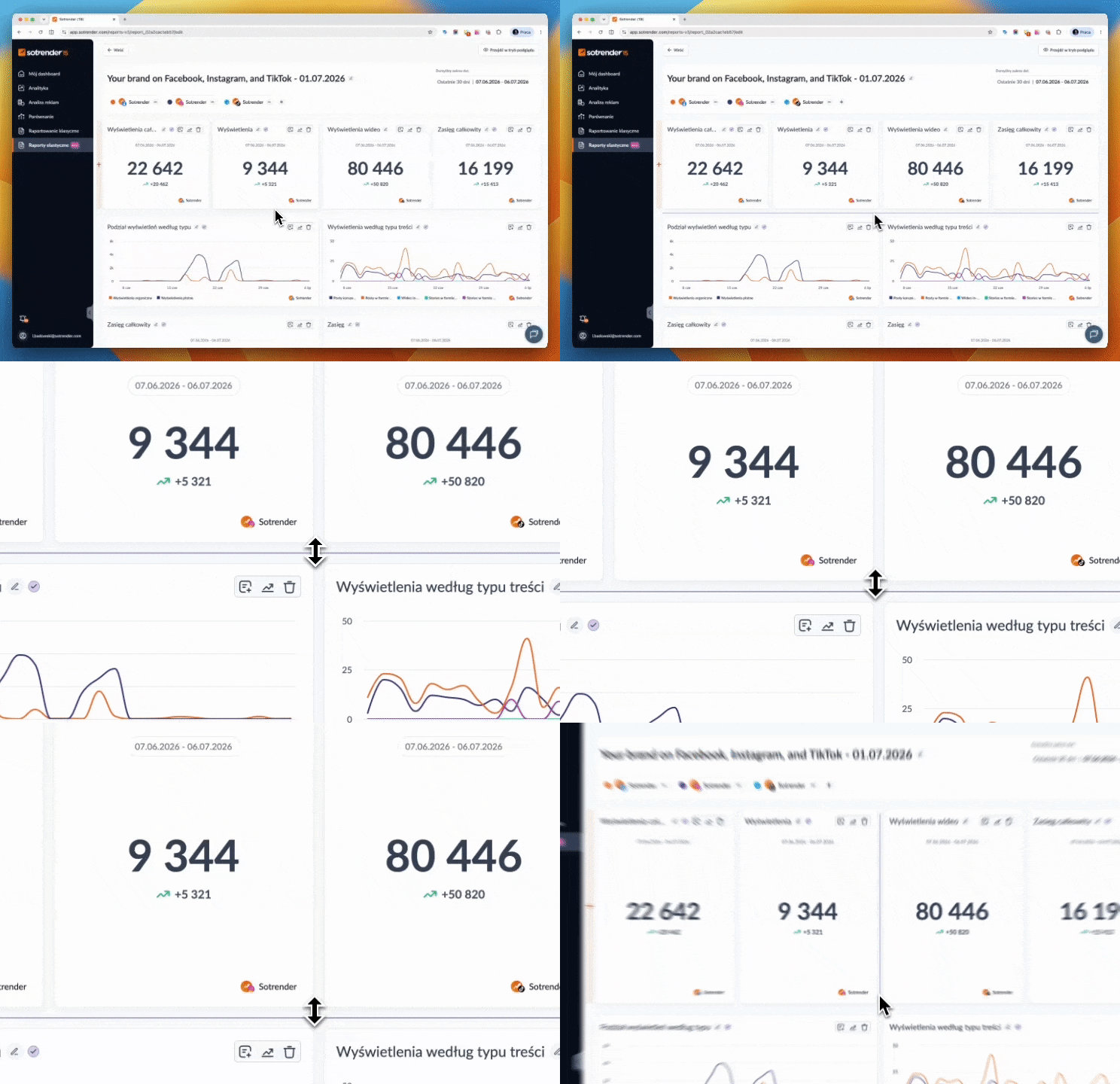
Flexible Reports are a new way to create reports in Sotrender, giving you full control over their content, layout, and appearance. We regularly improve this feature to make reporting faster and better suited to the needs of both you and your clients.
2026.07.30
Export to XLSX
You can now export any report to an XLSX file. It’s an easy way to continue working with your data in spreadsheets, combine it with other data sources, or create your own analyses, charts, and reports.
To export a report, open the menu next to the Export button and choose XLSX. Just like PDF exports, the generated file will be available later in the Downloads section.
New report templates
We’ve refreshed the existing report templates and added several new ones, making it even faster to create reports tailored to your needs. We’ve also expanded the selection of competitor comparison templates, making it easier to analyze and compare performance across multiple profiles.
2026.07.14
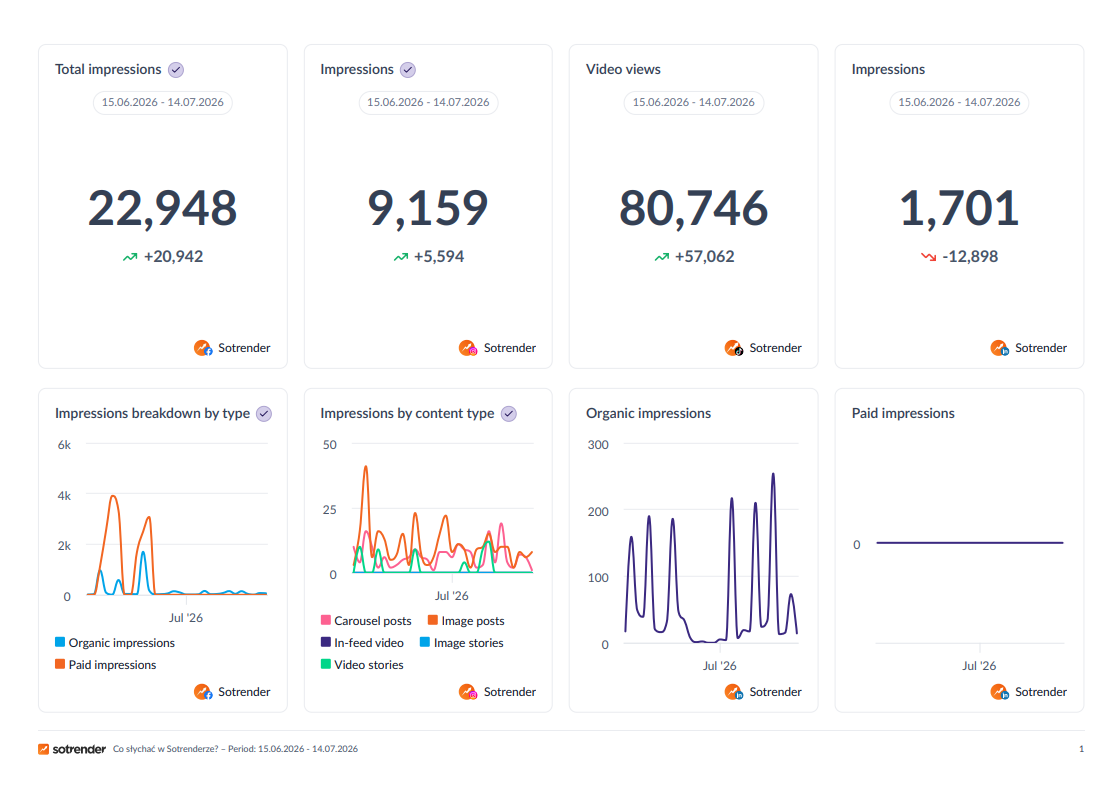
A new look for PDF reports
Reports exported to PDF now have a cleaner, more professional design. They are ready to share with clients, send to your team, or use when presenting results.
2026.07.07
Copy a report
You can now create a new report by copying any existing one. This means that once you have created a report layout, you can quickly reuse it to create a report for another profile or a new competitor comparison.
- Click the “Copy” button in your reports list. An exact copy of your report will be created
- Go to the report editor
- Remove the profiles you do not want to include
- Add the profiles you want to include in the report
Sort data in tables
You can now sort table data by any column. Want to see which posts had the highest reach? Or which received the most likes? You can display table data in the order that best suits your needs. Simply click the arrow in the table column header.
New metrics for better analysis
We have added several new metrics to help you better understand what is happening on the profiles you analyze and compare data across multiple profiles.
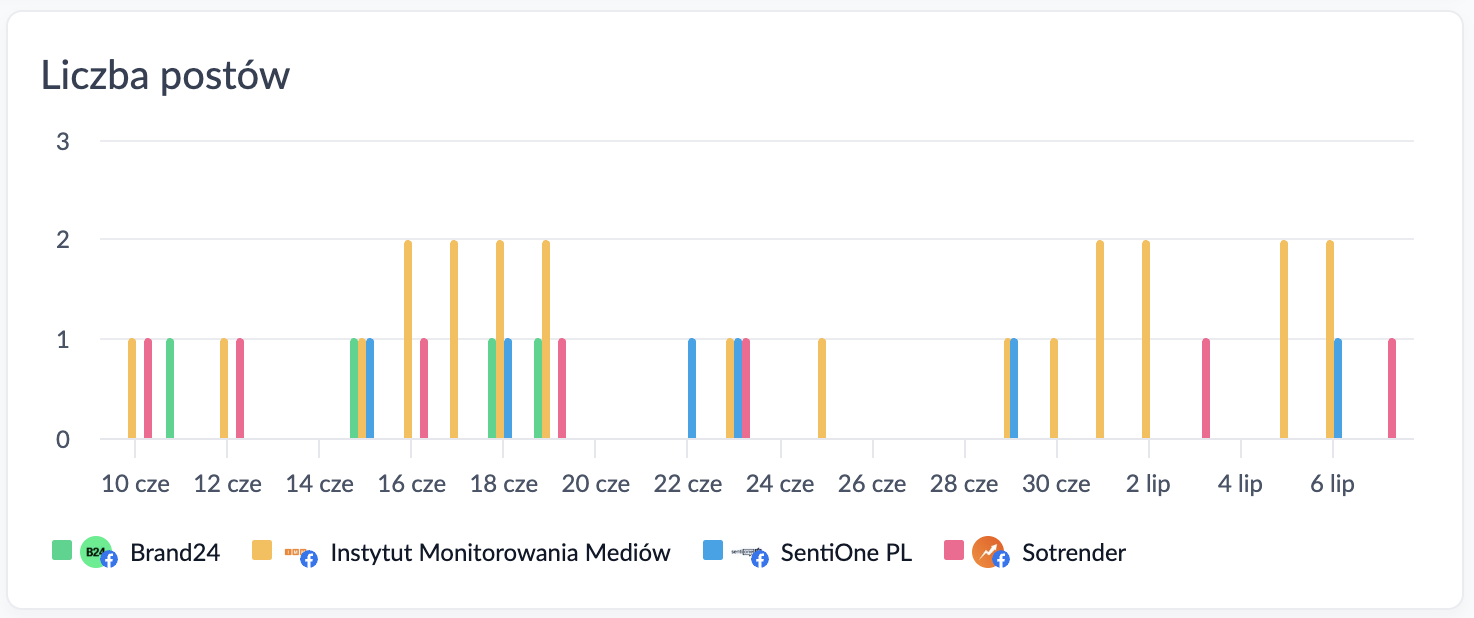
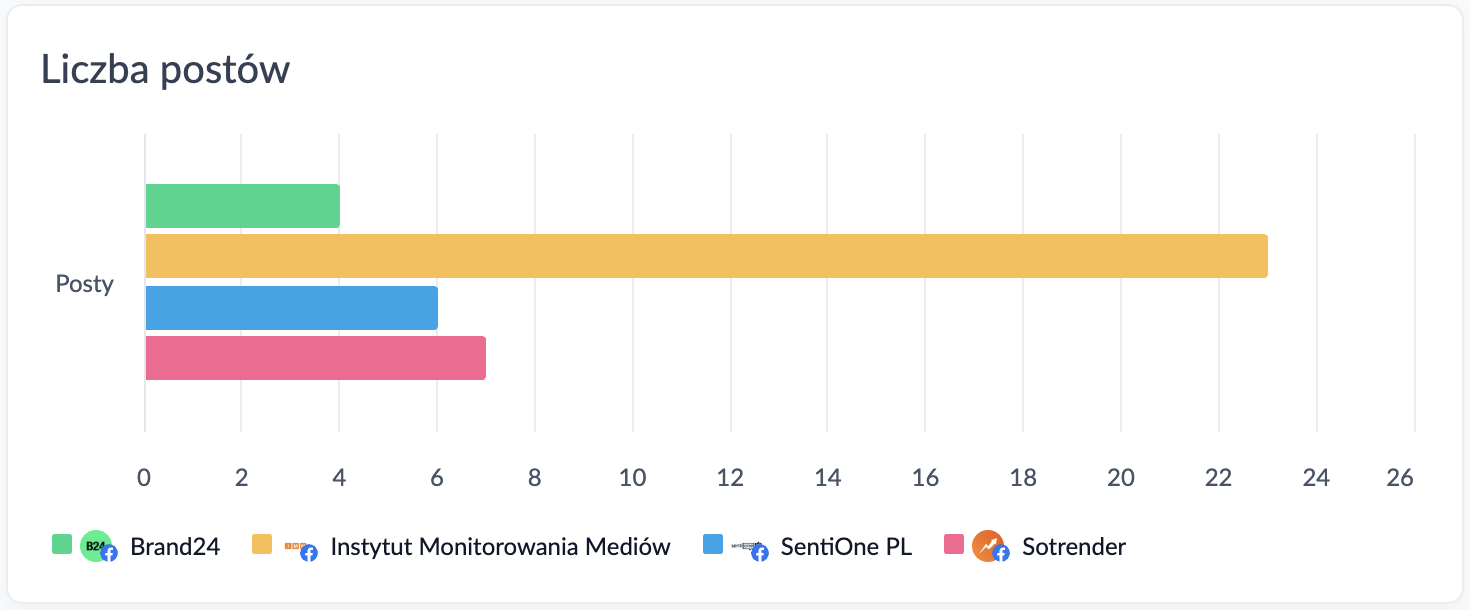
Number of Facebook posts
You can now show exactly how many posts were published on an analyzed profile and when they were published, as well as compare these results with competitor profiles.
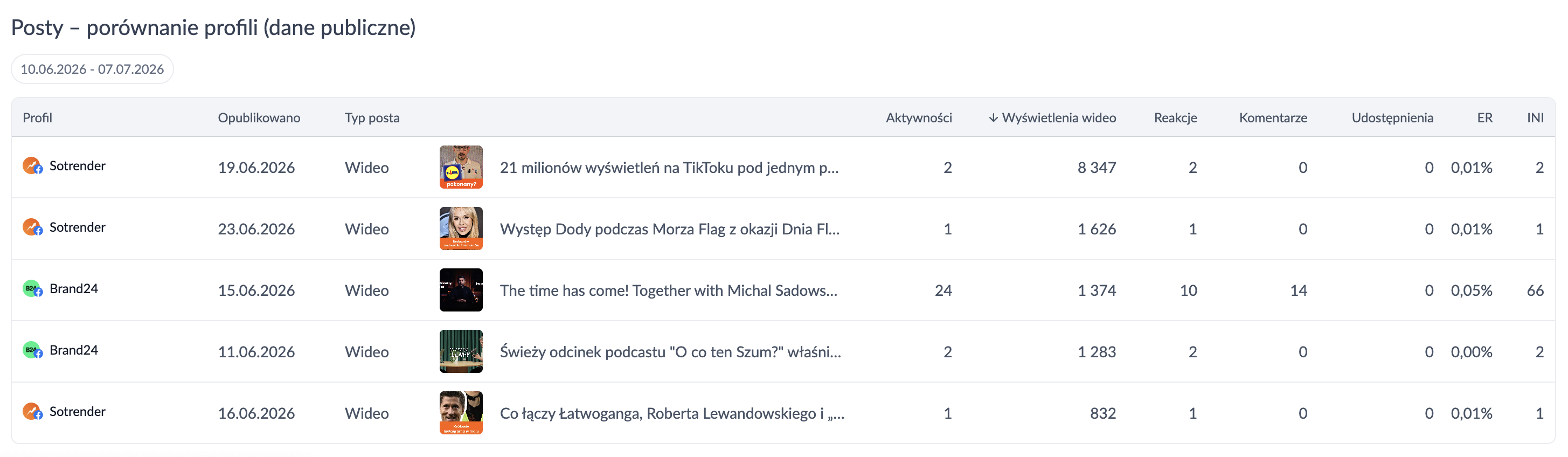
Top posts from multiple profiles in one table
You can now compare content from all profiles added to a report in a single table — Facebook posts, and Instagram posts and Reels. This makes it easy to answer questions such as which piece of content received the most reactions or which Reel had the most views.
2026.07.01
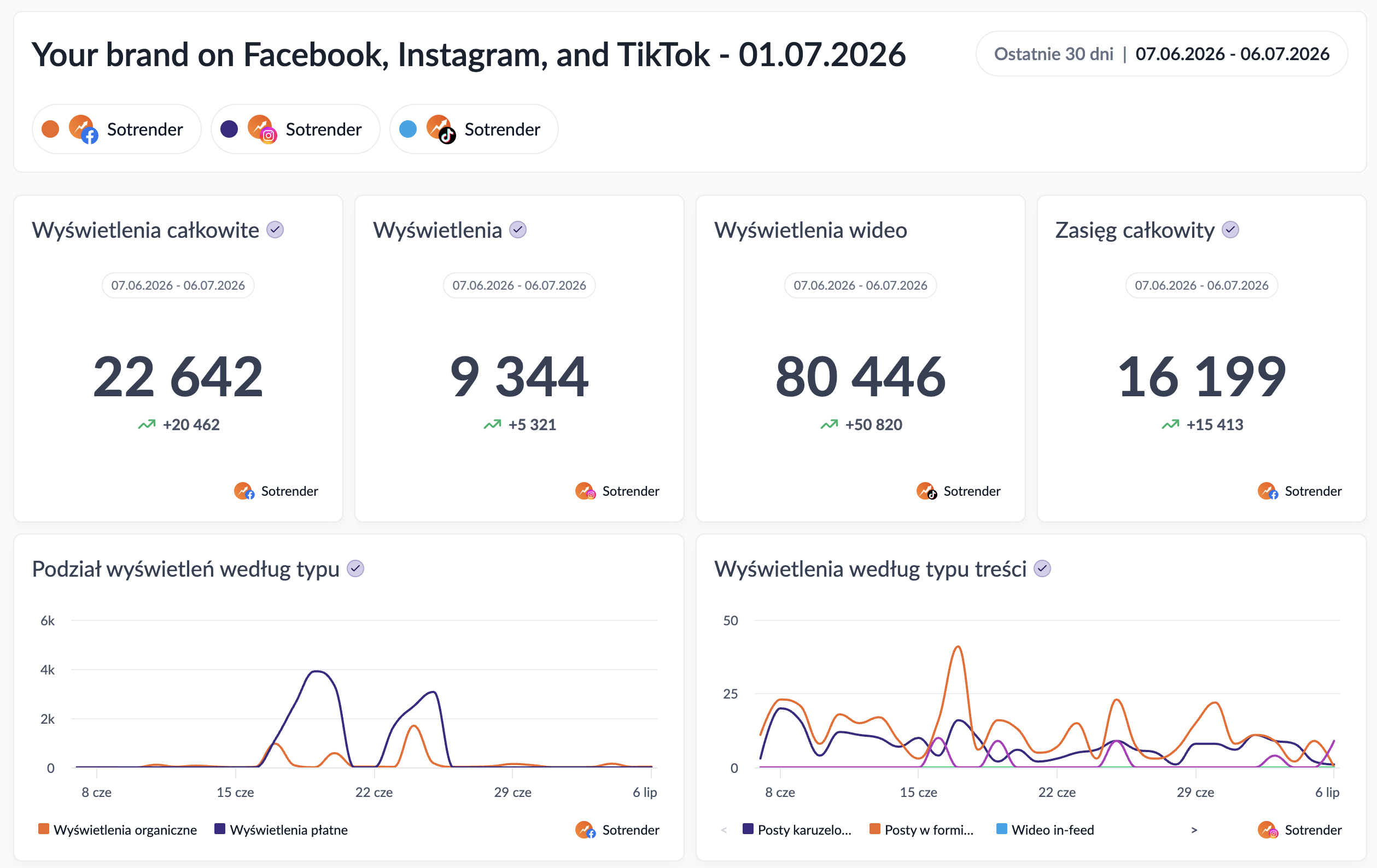
Open Beta is now live
Flexible Reports in Beta are now available to all Sotrender users with latest plans.
2026.06.26
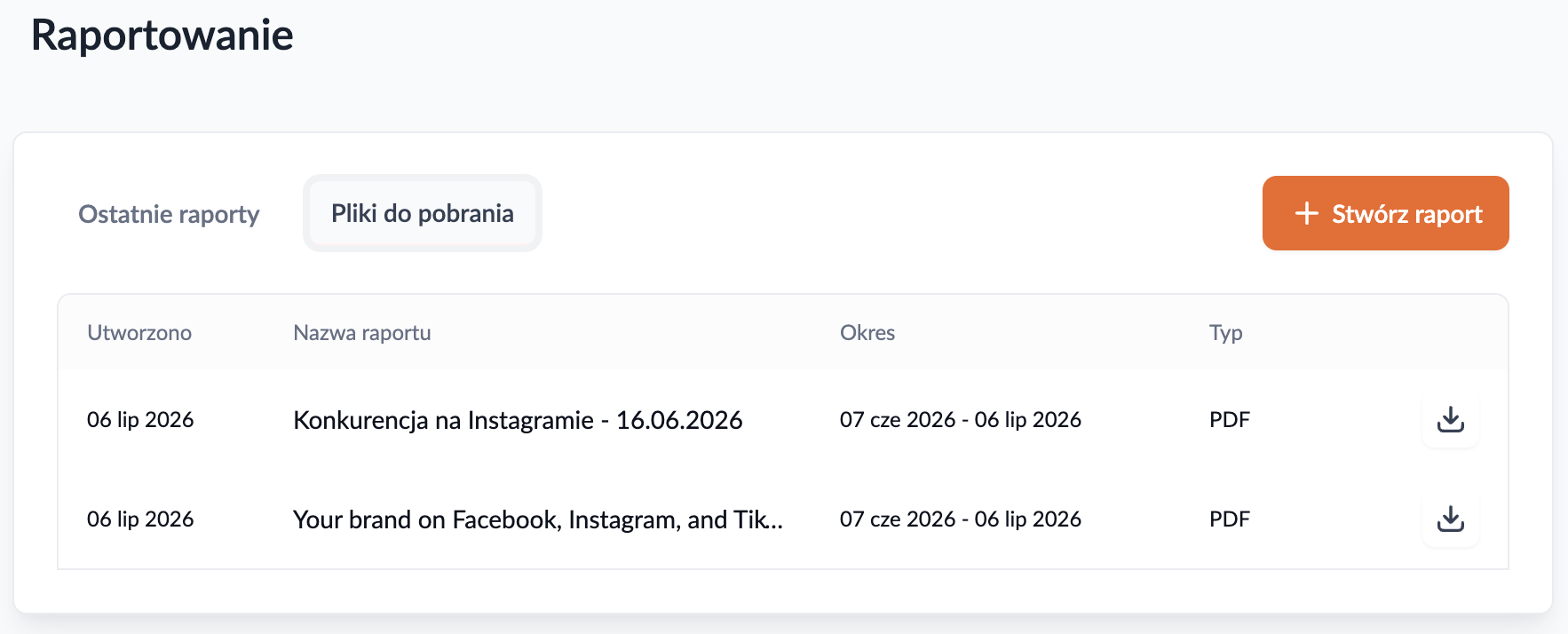
All files in one place
You can now find all the PDFs you have created in one list, ready to download.
More data? Bigger charts
You can now adjust the height of charts. To highlight important data or improve the readability of any chart, simply make it taller.
Hover over the space below a row of charts. Grab the handle that appears and drag it to adjust the height of the chart row.